The RM-DX50 remote belongs to a Sony CD player. The buttons were sticking, so I took it apart and cleaned it. There is not much to say, but the insides are quite nice to look at.
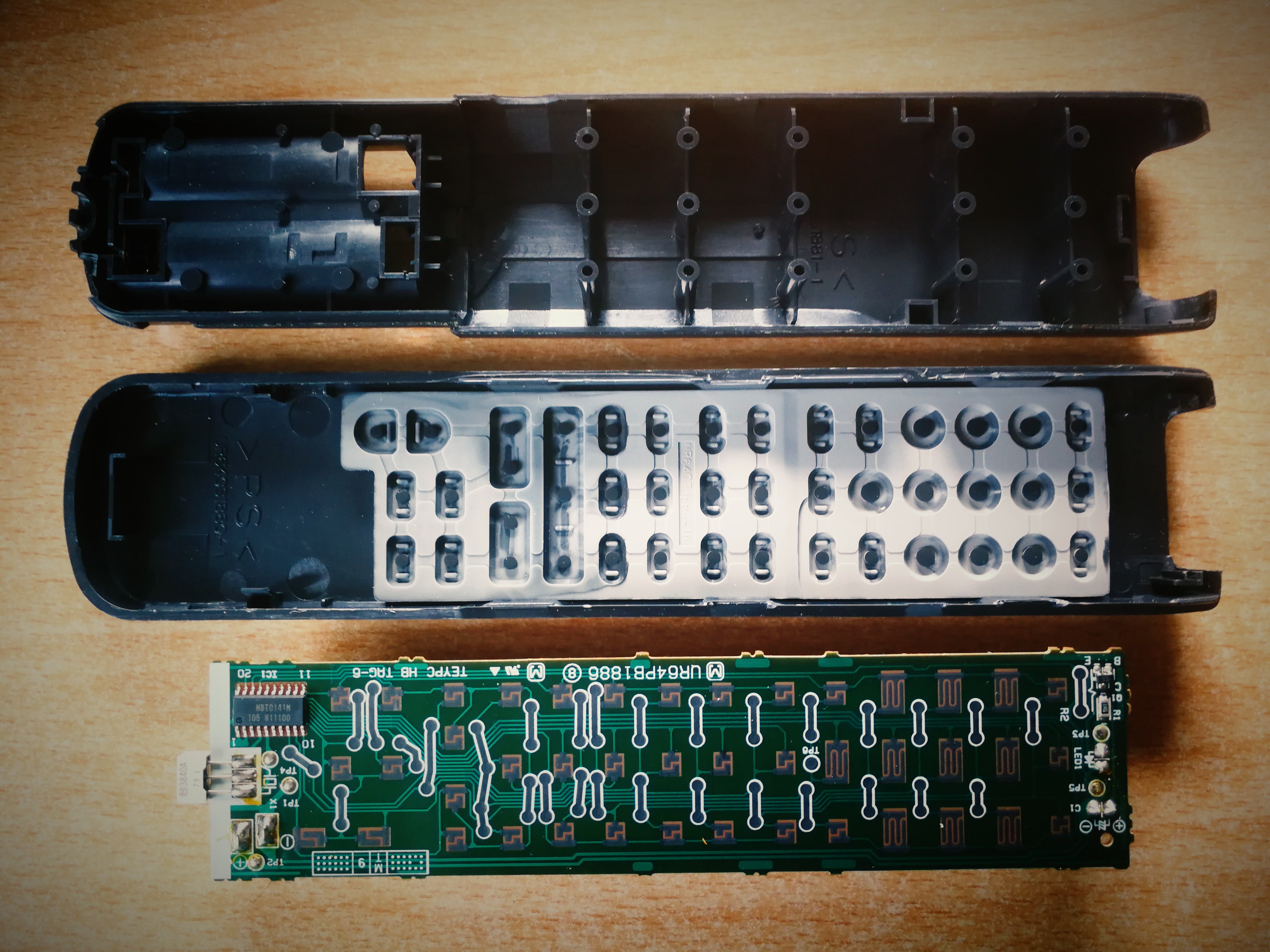
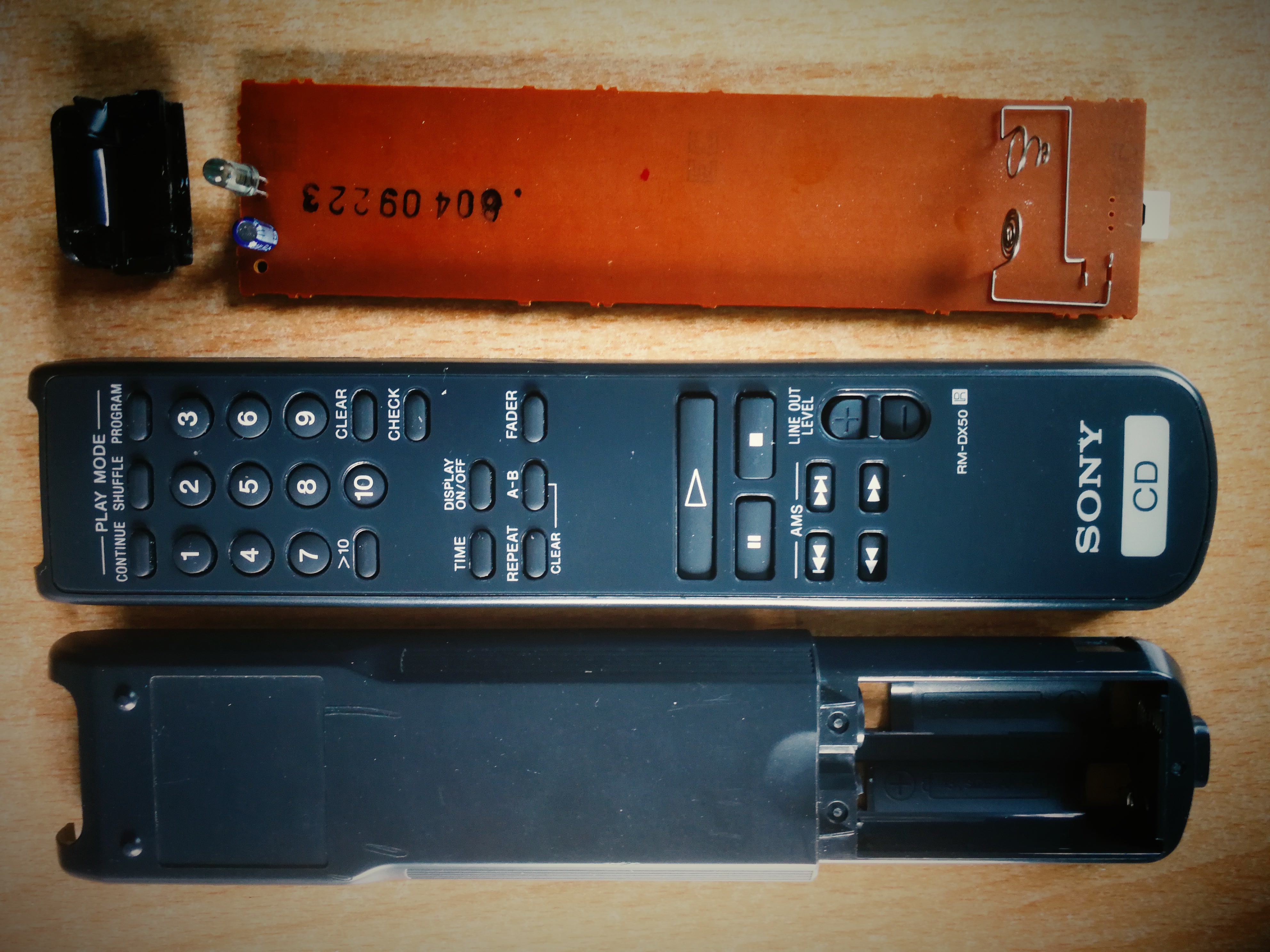
Tips for opening and cleaning
- Batteries out before you start.
- Look for screws: they are often in the battery compartment or under stickers. Many remotes are only clipped together, though.
- Releasing the clips: use a guitar pick, a plastic pry tool or an old loyalty card, ideally starting at the battery compartment and working your way around. Screwdrivers leave dents in the housing.
- Take a photo first, so you know how the keypad and board sat when putting it back together.
- Wash the rubber keypad in warm water with a little washing-up liquid, rinse well and let it dry completely.
- Wipe the circuit board with isopropyl alcohol and a cotton swab. No water, and no contact spray containing oil, because the oily film attracts new dirt.
- Clean the contact pads on the underside of the keypad only gently with isopropyl alcohol. The conductive coating wears off if you scrub.
- Battery contacts with residue from leaked batteries: dab with a little vinegar, then wipe with isopropyl alcohol.
- Function test: the infrared LED is invisible to the naked eye, but through a phone camera you can see it flash when pressing a button. The front camera often works better, because some main cameras have an infrared filter.