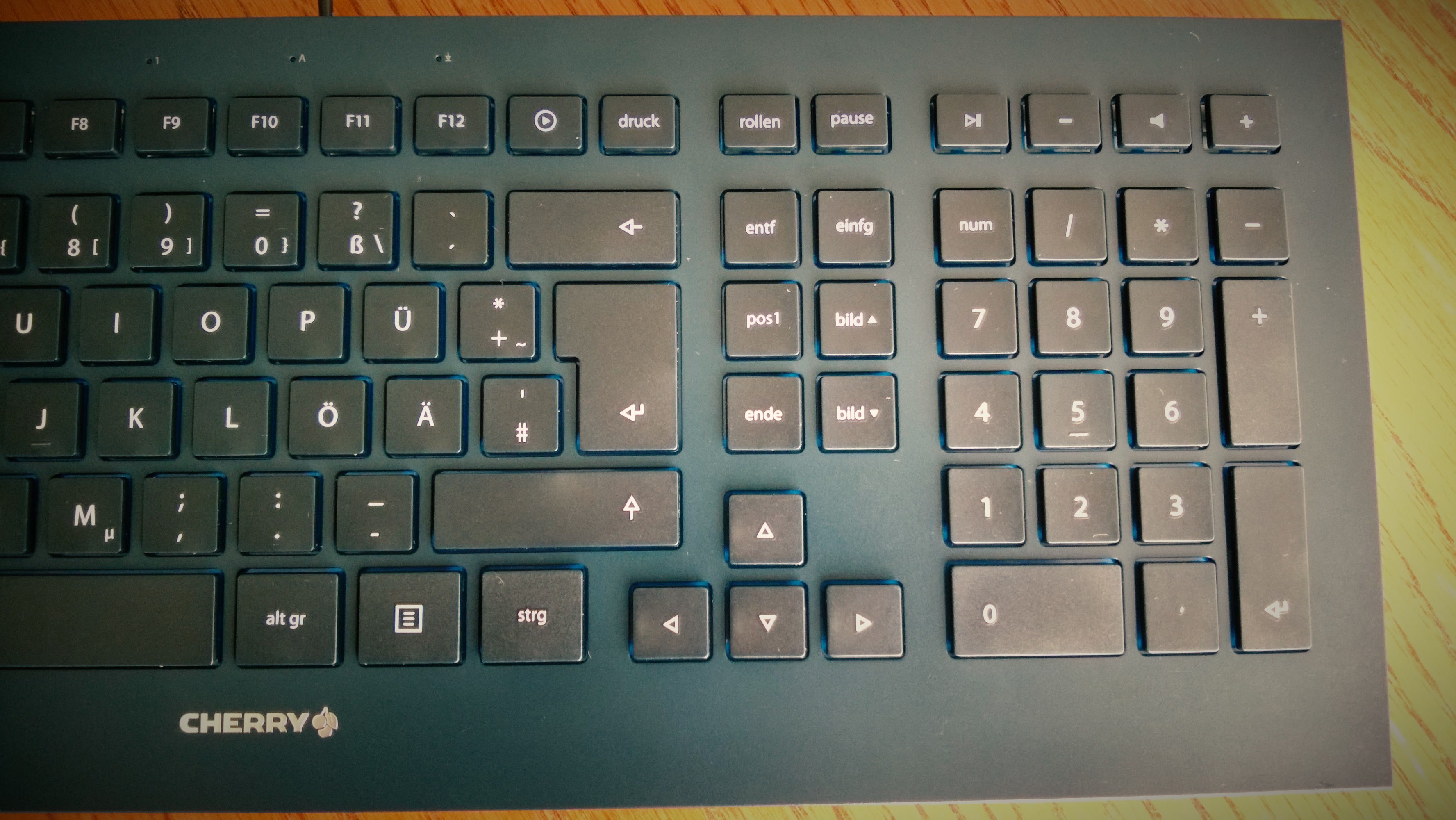
The layout of the Cherry JK-03 always bugged me, specifically the six-key block above the arrow keys. Home sits bottom left, End top right. So I swapped the keys:
| Factory | Swapped | |||
|---|---|---|---|---|
| Insert | End | Delete | Insert | |
| Delete | Page ↑ | Home | Page ↑ | |
| Home | Page ↓ | End | Page ↓ |
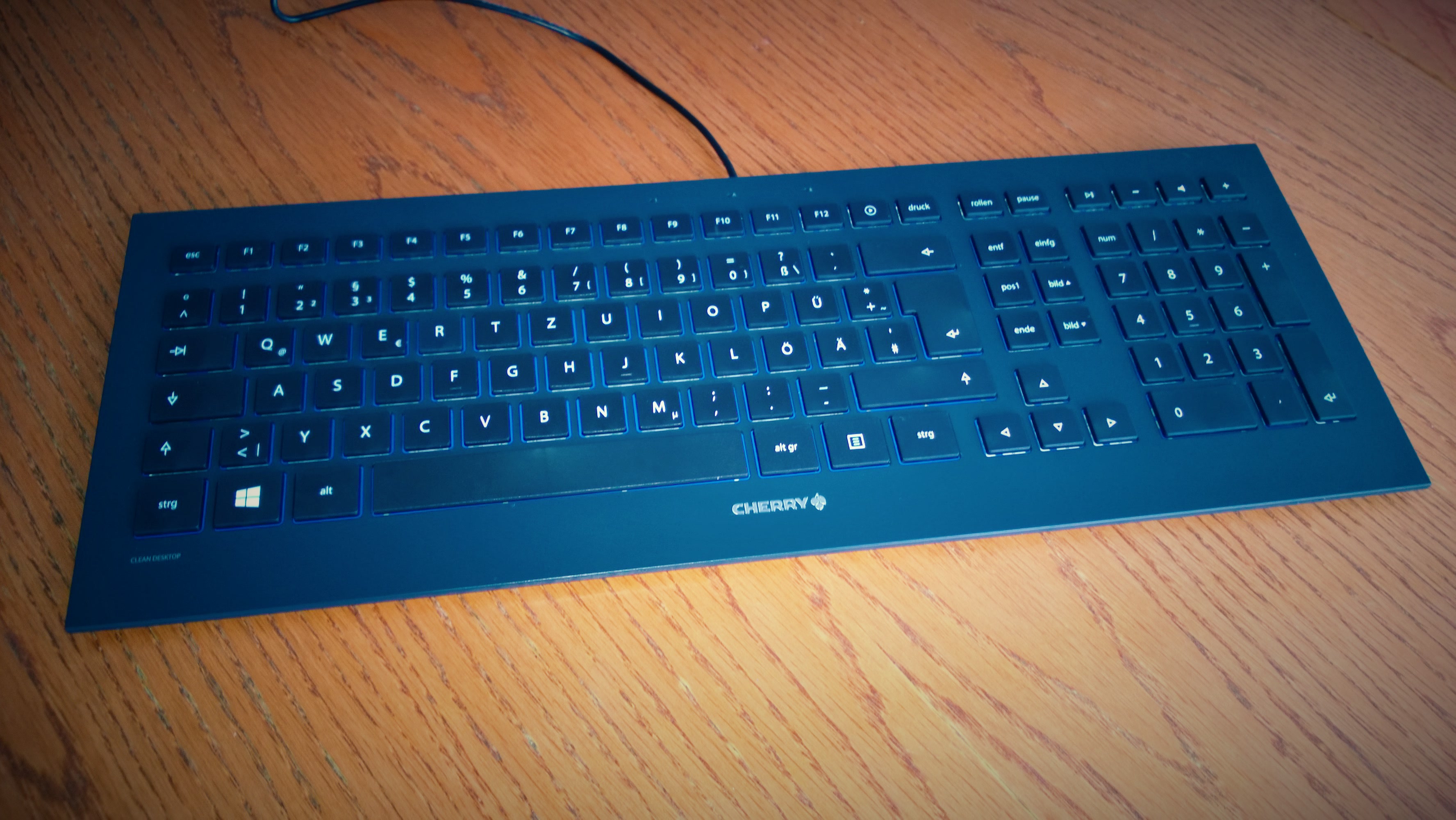
Moving the keycaps is the easy part. For the keys to actually do what is printed on them, Windows has to remap them.
Scancode Map
Caution: The registry is a great place to break Windows thoroughly. Create a restore point or export the key first, and only apply what you understand. A wrong entry in the
Scancode Mapcan disable keys; the on-screen keyboard then helps to undo it. Try this at your own risk.
Every key sends a scancode when pressed. The registry value Scancode Map tells Windows to use a different scancode for a key. My file for this (the comments use the German key names: Pos1 = Home, Ende = End, Einfg = Insert, Entf = Delete):
REGEDIT4

[HKEY_LOCAL_MACHINE\SYSTEM\CurrentControlSet\Control\Keyboard Layout]
"Scancode Map"=hex:00,00,00,00,00,00,00,00,05,00,00,00,\
; Pos1  --> Ende
4F,E0,47,E0,\
; Ende  --> Einfg
52,E0,4F,E0,\
; Einfg --> Entf
53,E0,52,E0,\
; Entf  --> Pos1
47,E0,53,E0,\
00,00,00,00
This is how the value is structured:
- The eight zero bytes at the start are the header.
05,00,00,00is the number of entries: four remappings plus the end marker.- Each entry has four bytes: first the scancode that should apply, then that of the key pressed. The bytes are swapped in each case, so End (
E0 4F) becomes4F,E0. 00,00,00,00ends the list.
Importing requires administrator rights, and it only takes effect after a restart. To get rid of it, delete the Scancode Map value and restart.
The catch
The remapping applies to every keyboard on the computer. If I plug in a different one, Home, End, Insert and Delete are swapped there.